Who It Helps
- People currently on GLP-1 related treatment plans
- Users who need stable reminders and complete historical logs
- Users who want long-term tracking between weight and execution quality
iOS App for GLP-1 Routine
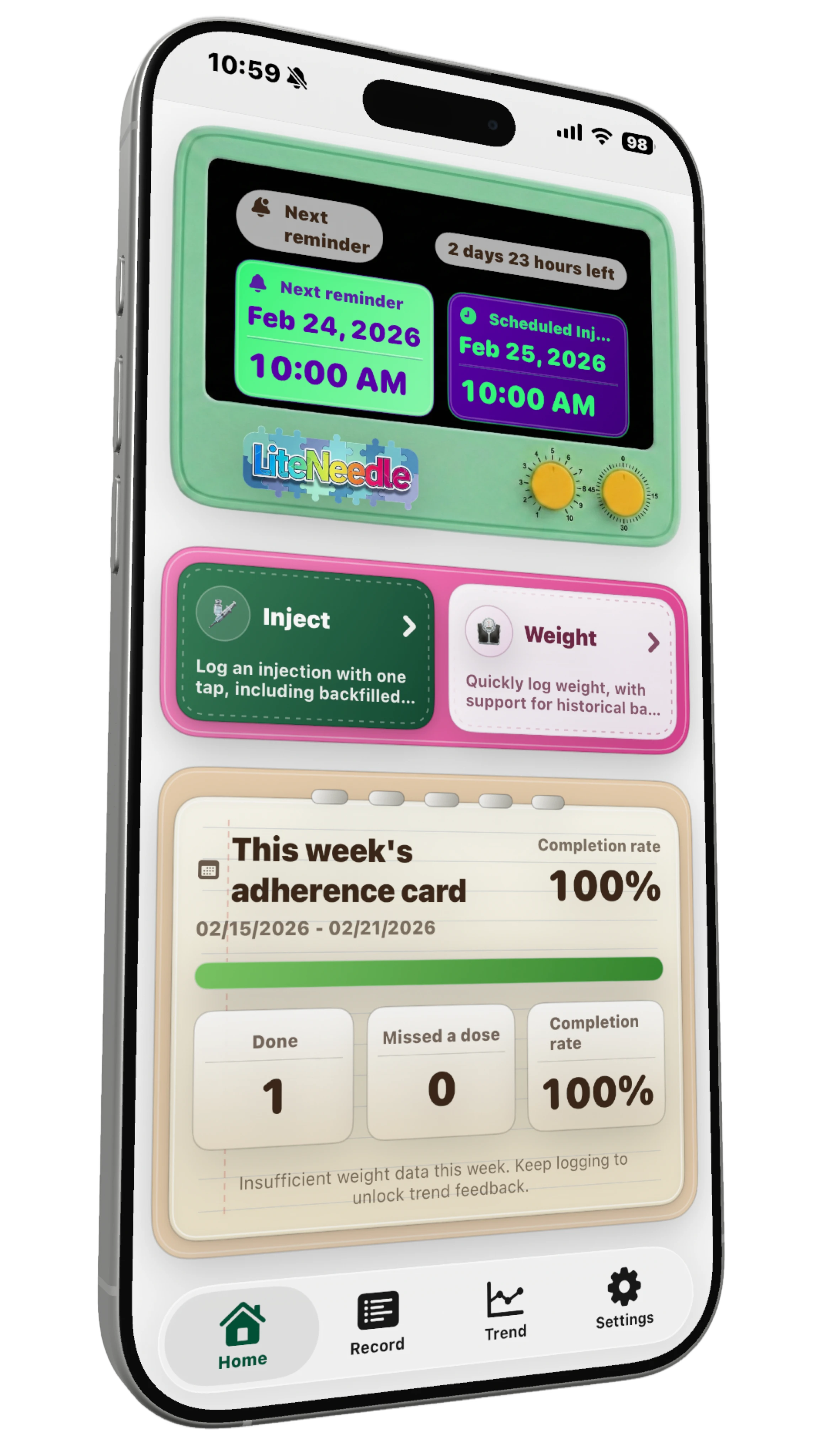
LightNeedle is built for execution management. Reminders, records, trends, and review stay on one continuous timeline, reducing missed actions while preserving traceable data.
LightNeedle is an execution management tool and does not replace professional medical advice.
Product Positioning
It addresses three core issues: missed actions, incomplete records, and low-quality review. Every execution event becomes trackable and reviewable.
Core Capabilities
Reminder Scheduling Engine
Notification + persistent fallback with auto-reschedule after plan edits.
In-treatment Onboarding
Continue from week/day progress and compute the next reminder instantly.
Quick Logging Entry
Home screen logging for injection, intake, weight, notes, and attachments.
Unified Timeline
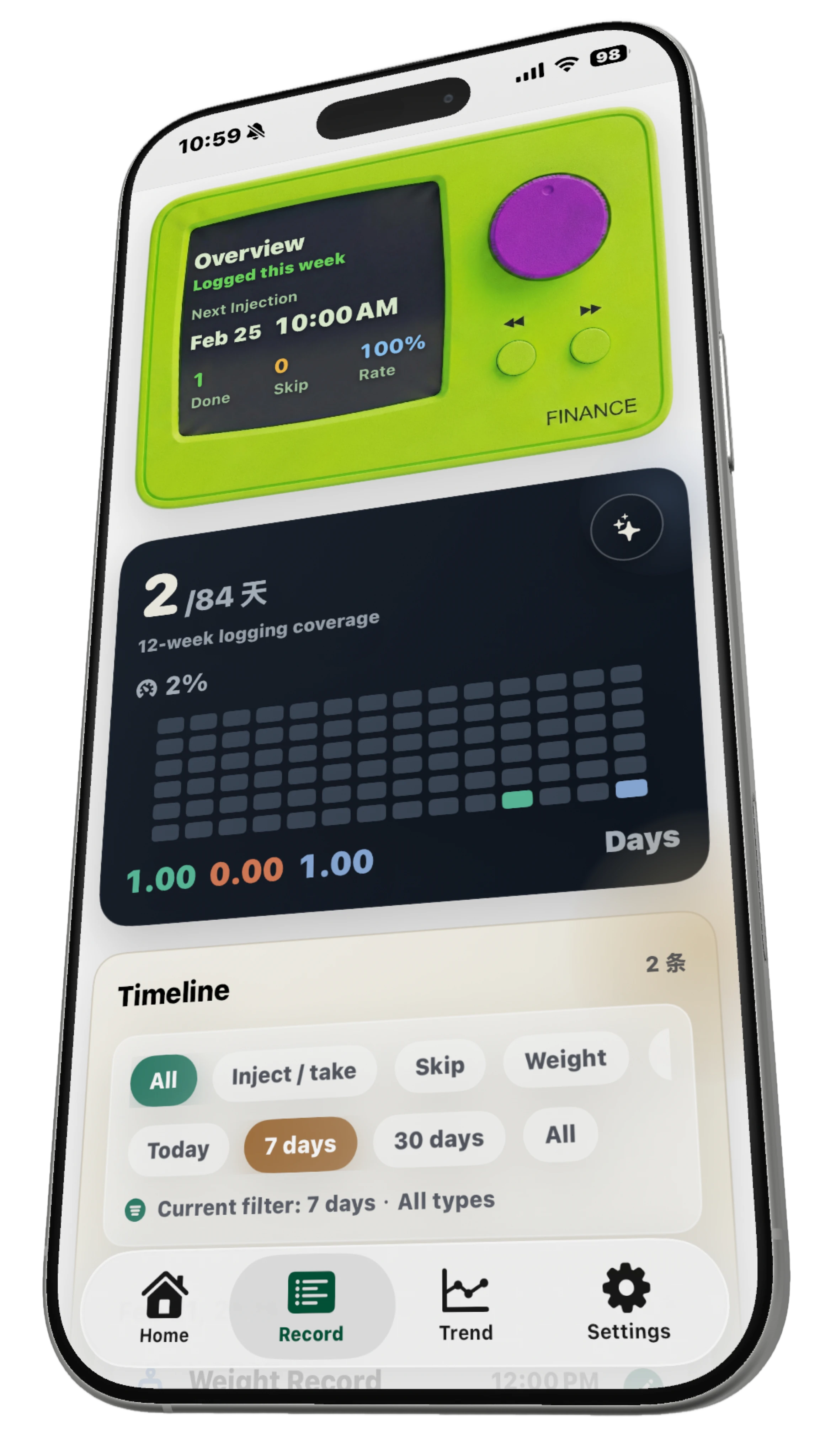
Injection, intake, side-effects, and weight in one chronological stream.
Trends and Weekly Feedback
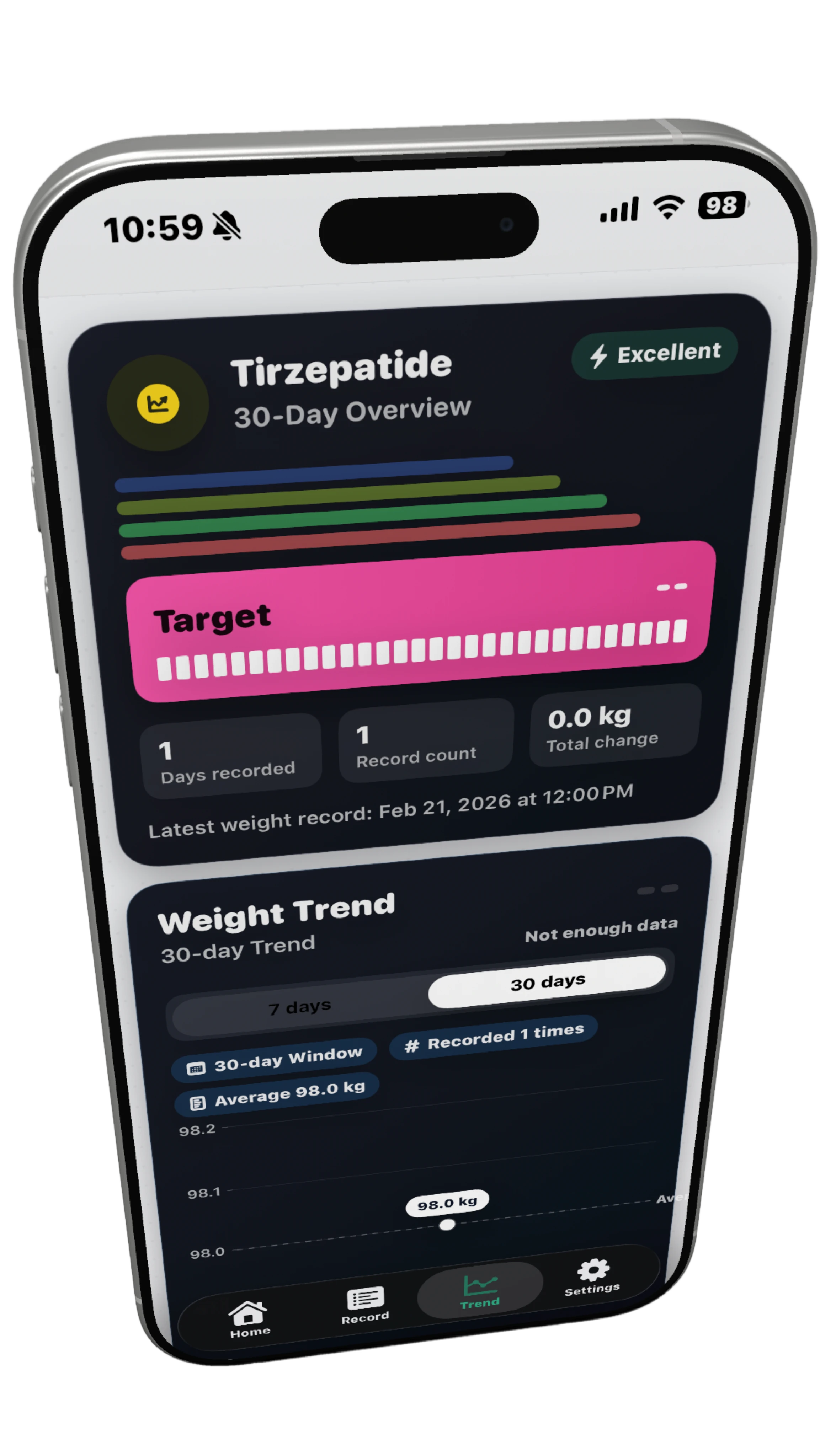
7/30-day trajectories, phase changes, and weekly execution quality.
Data Control
CSV export, local reset, and Apple Health sync for portability.
Missed-action Recovery
Backfill with real timestamps without forcing current-time records.
Weekly / Daily / Meal-time
Flexible protocol templates for different execution rhythms.
Protocol Evolution Safe
Plan edits do not break continuity of reminders or history.
Local-first Privacy
Core records stay local with explicit permissions for external sync.
Operator-friendly Surface
Fast interactions designed for low-friction daily execution.
Review-grade Data
Structured capture improves quality of weekly treatment review.
Execution Workflow
Every action stays traceable: define an executable protocol, activate reminders, log against real timestamps, then iterate with trend and weekly review feedback.
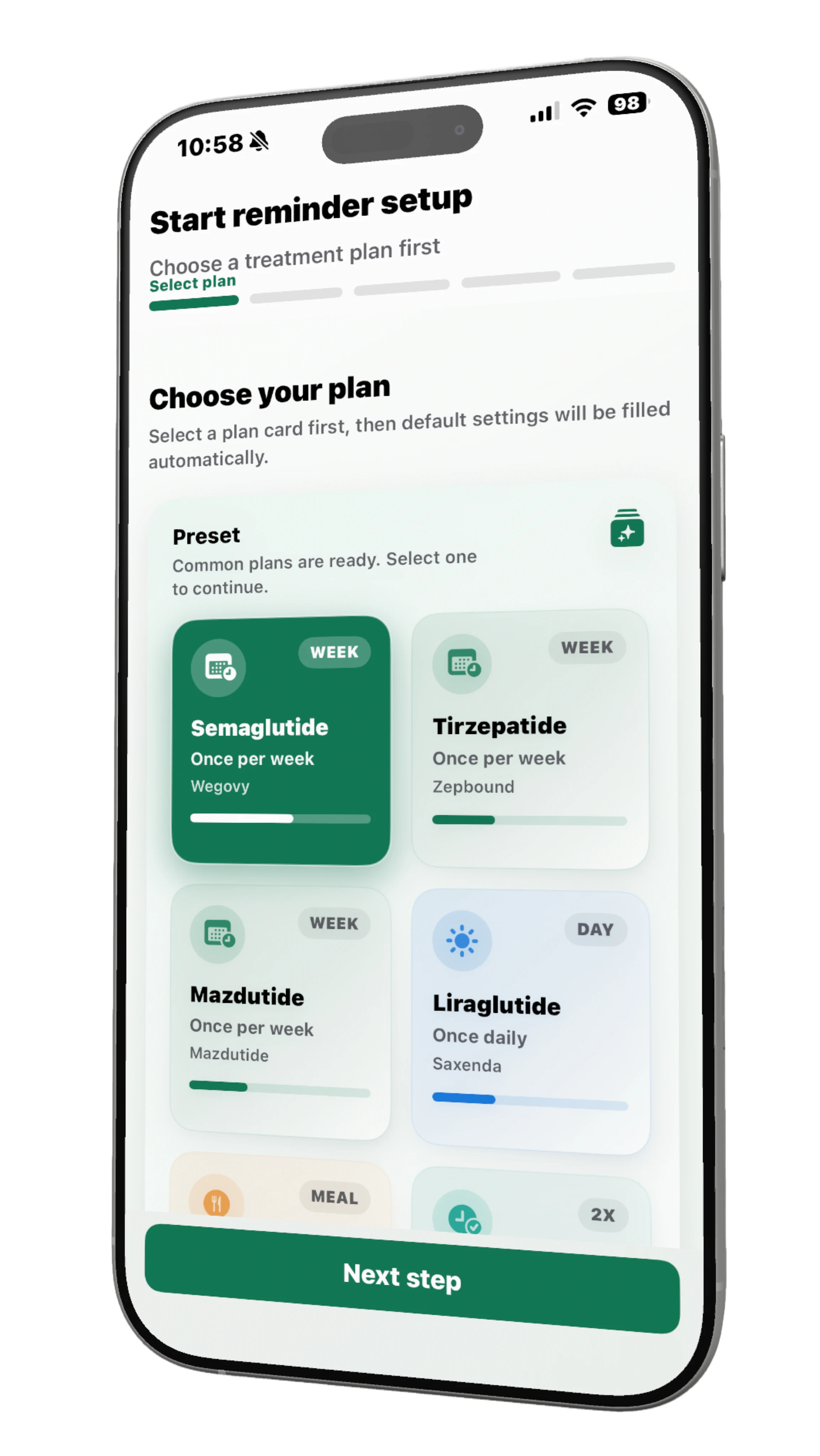
Select treatment rhythm and reminder times. Required fields must be complete before moving forward.
Reminder tasks are generated automatically. Weekly protocols can enable T-24 pre-reminders.
Log by real execution time. Missed actions can be backfilled without being locked to current time.
Use trend pages and weekly indicators to evaluate execution quality and adjust reminder strategy.
Use Scenarios
Case 01
Designed for users with one stable weekly execution window.
Case 02
A stable day-to-day loop with stronger guardrails.
Case 03
Separate morning/evening execution windows with interval traceability.
Case 04
Multi-window execution around breakfast, lunch, and dinner.
Product Screens
Guided setup
Complete protocol and reminder setup in one guided flow.
Data & Compliance
See detailed rules on policy pages below.
FAQ
No. It is built for reminder, logging, and review workflows. Diagnosis and treatment decisions should follow physicians.
Yes. You can backfill using real date and time, without being forced to use the current timestamp.
Yes. CSV export is supported, and weight data can also sync through Apple Health.
Now Available
LightNeedle is now available on the App Store. Download now and share feedback so we can keep improving for real treatment workflows.